5 easy ways to share your signup
You've created your schedule in Unison. Now you need volunteers to fill it. Here are five easy ways to start filling open spots right away.


You've created your schedule in Unison. Now you need volunteers to fill it.
Whether you're organizing a church event, school activity, nonprofit fundraiser, or community festival, the next step is sharing your signup.
Here are five ways to start filling open spots right away.
1. Email your existing volunteers
Best for: Organizations with an existing volunteer list
Past volunteers are often the first people willing to help again.
Sending an email or text message is often the fastest way to fill your first spots.
You can use Unison's built-in Emails & Texts tools to send invitations directly to volunteers in your database. If your volunteer list lives in a spreadsheet, it's easy to import it into Unison first. You can also copy your signup link and paste it in an email or text message you send yourself.
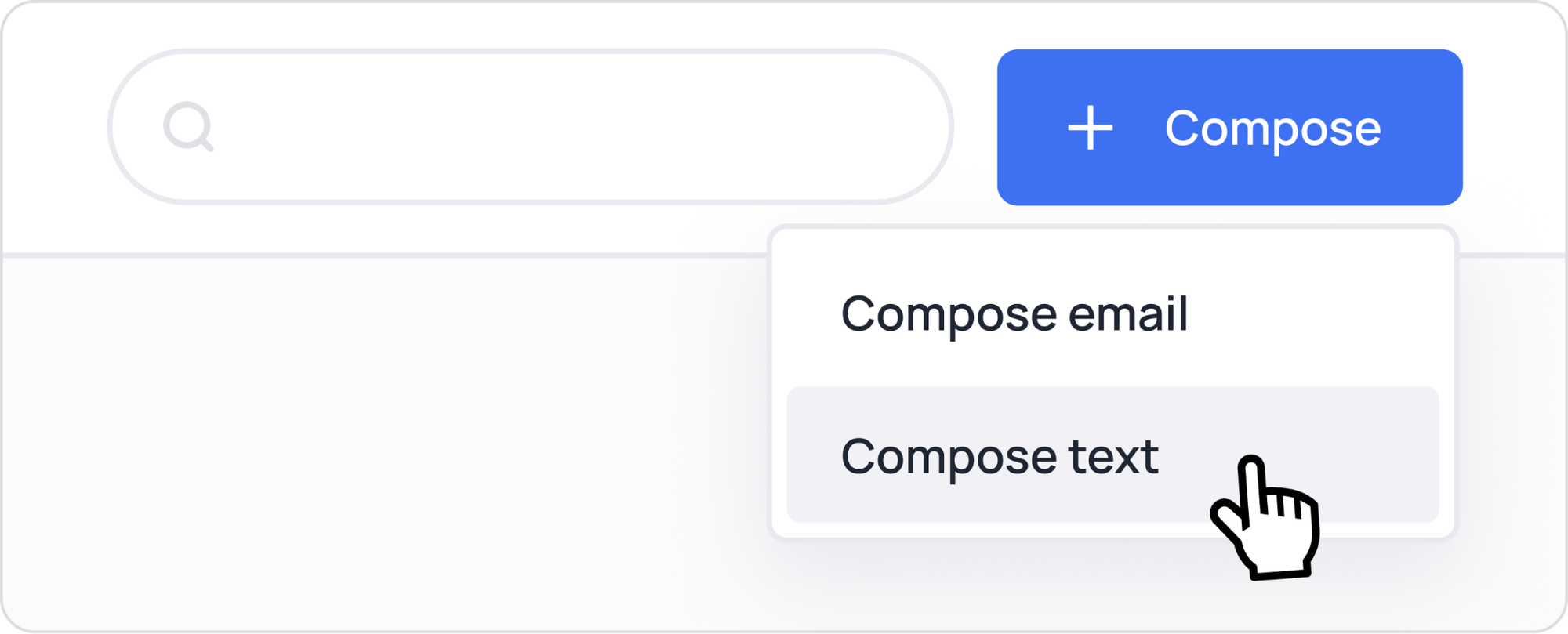
Helpful link: Email volunteers to sign up
2. Post it on your website
Best for: Ongoing volunteer recruitment
Your website is often the first place people visit when they're looking for volunteer opportunities.
Adding your signup to the homepage, volunteer page, or "Get Involved" section makes it easy for visitors to find ways to help as soon as they find you.
You have several options in Unison:
- Copy a direct link to your signup
- Create a short or custom link that's easy to remember
- Add a website button that takes volunteers directly to the schedule

Helpful link: Add a signup button or link to your website
3. Add a QR code to printed materials
Best for: Churches, schools, events, and community organizations
Sometimes the best place to recruit volunteers is in person.
Think about the printed materials you're already using: a church bulletin, flyer, poster, or handout at a volunteer fair. Adding a QR code gives people a quick way to sign up while they're already engaged.
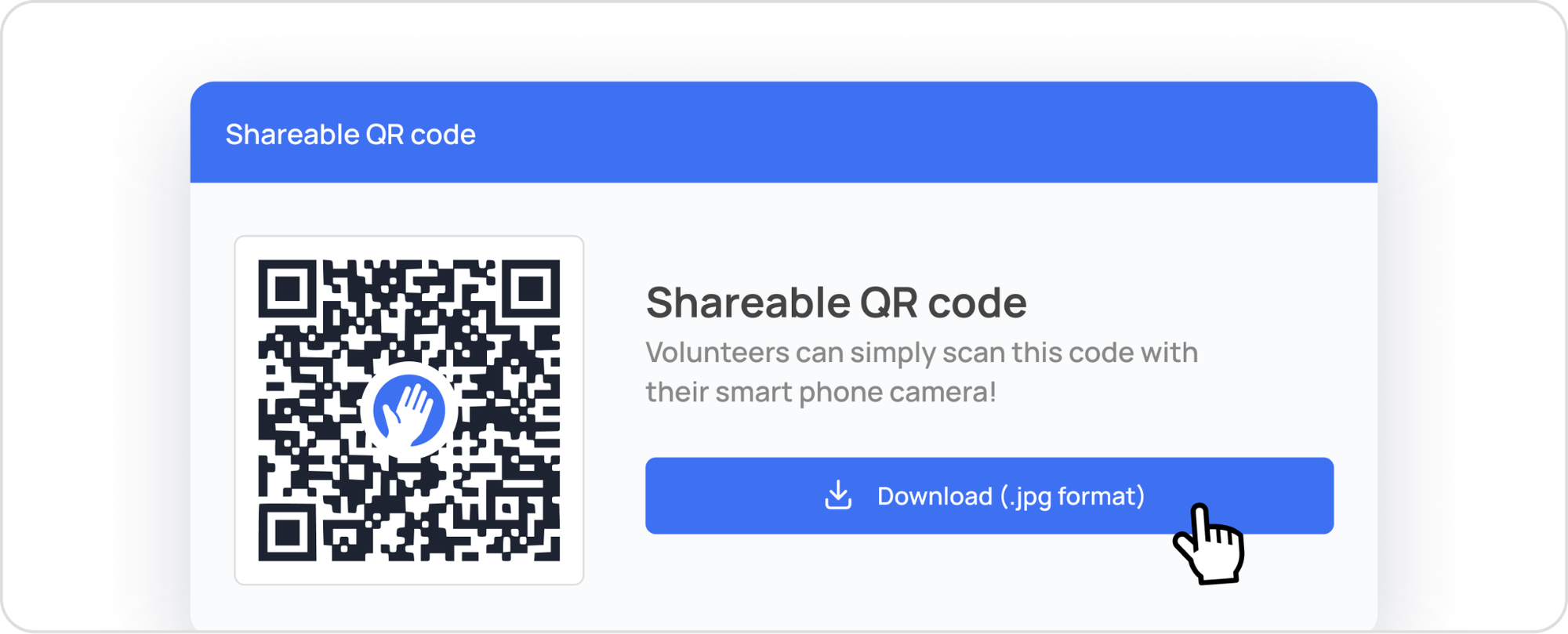
Helpful link: Create a QR code for your signup
4. Share on social media
Best for: Reaching new audiences
Share your signup on your organization’s Facebook page, in a local Facebook group, with your network on LinkedIn, or wherever people gather online.
Need a starting point? Try one of these posts:
- We're looking for volunteers for our upcoming event! We'd love your help. Choose a role that works for you and sign up here: [link]
- Volunteer spots are now open! If you'd like to help, we'd love to have you join us. Sign up here: [link]
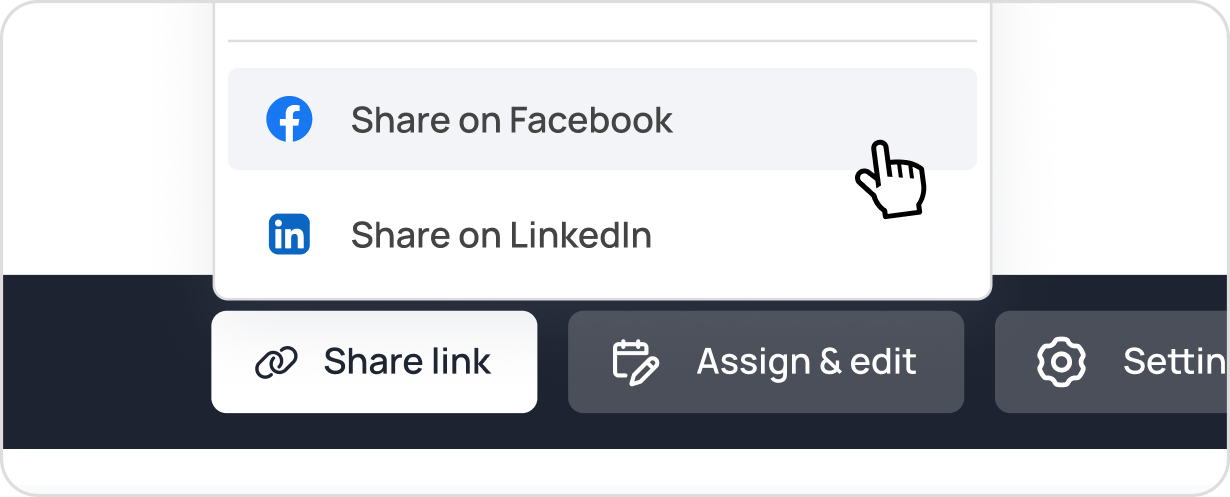
Helpful link: Share your schedule for volunteers to sign up
5. Fill key roles manually
Best for: Planning teams, leadership roles, and recurring volunteers
If you already know who will be serving in certain positions, place them on the schedule before sharing it with others. This is especially helpful for roles that require training or have already been assigned at a planning meeting.
Adding a few names helps build momentum. Important responsibilities are covered from the start. Rather than opening a blank schedule, volunteers can see that they're joining a team effort.
Sometimes seeing others involved is all the encouragement someone needs to sign up too.

Helpful link: Adding a volunteer to a position
Need more help?
If you're looking for ideas beyond the five shared here, our support team is happy to help. Many of us have coordinated volunteers ourselves, whether for schools, churches, or nonprofits. Tell us what you're trying to accomplish, and we'll help you find an approach that fits your group.
Ready to share your signup?
An email, QR code, or social media post can put your signup in front of volunteers in just a few minutes.
You may be surprised how quickly a few simple shares can fill a schedule.
